Coursion Studio logo
An independent software studio

Small apps,
built with care.

Coursion Studio designs and ships focused native software for Mac, iOS, and the web. On-device by default. No accounts where none are needed. Buy-once where a subscription would be greedy.

Part 01 6 apps

On macOS.

Native SwiftUI apps that live on your Mac. On-device, no subscriptions, no detours.

Knack macOS

The complete Mac toolkit.

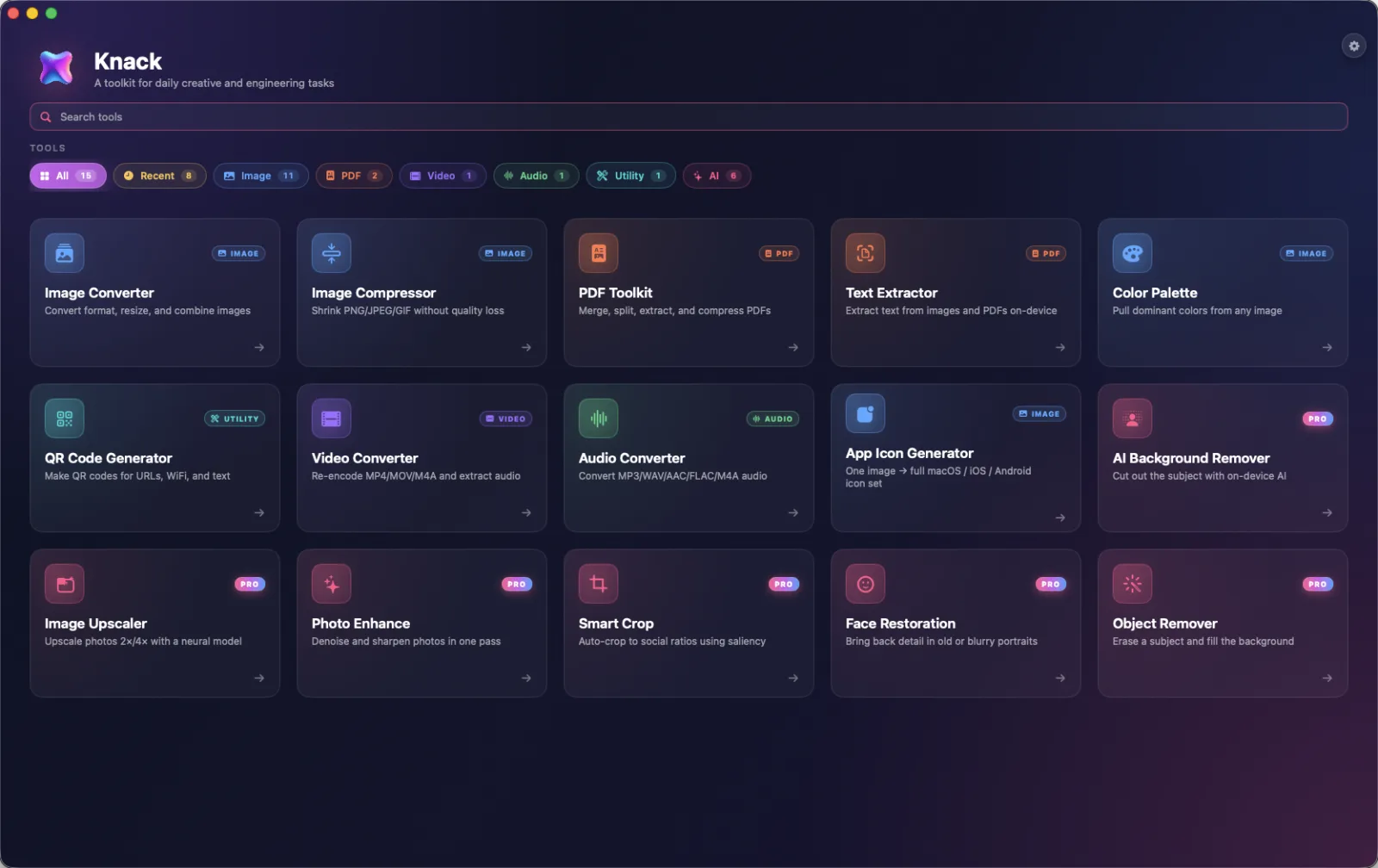
20 native tools for images, PDFs, audio, video, and App Store marketing. App icon generator, on-device transcription, document scanner, depth-aware portrait effects, screenshot designer, and more. Lives in the menu bar so colors and text are a keypress away.

  • On-device
  • No accounts
  • $4.99 one-time Pro
Visit knack.coursion.studio
Knack home dashboard showing 20 native Mac tools
AIStats macOS

Live AI usage in your menu bar.

Tokens, spend, and provider mix at a glance — across ChatGPT, Claude, Codex, Cursor, Copilot, Grok, Mistral, OpenRouter. Widgets for the desktop. Everything stays on your Mac.

  • Menu bar widget
  • 9+ providers
  • On-device
Download on the Mac App Store Website
AIStats menu bar showing live token and cost stats
Hutch macOS

Homebrew, organized.

Browse, search, and install casks through a native, opinionated interface. The terminal stays — Hutch just gives it a face you can scroll.

  • Native SwiftUI
  • Cask browser
  • Free
Visit hutch.coursion.studio
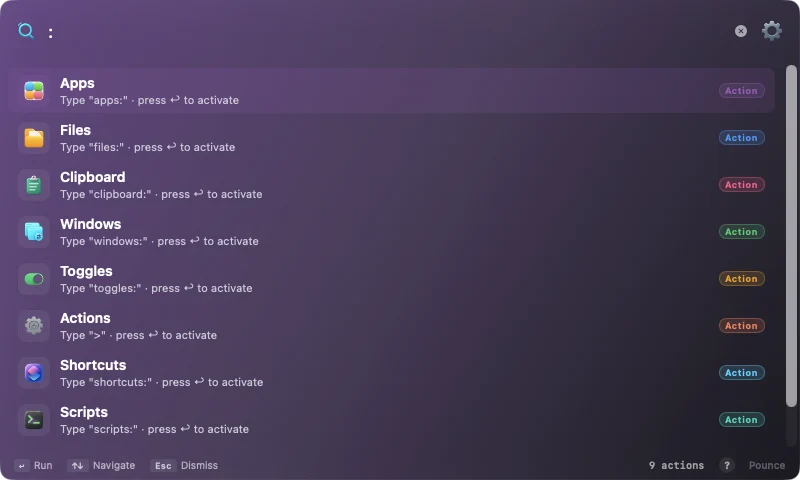
Hutch — Pounce command bar settings
Rift macOS

Trust the code your agent wrote.

Review, blame, and verify AI-generated code before it merges. On-device risk triage on every diff, deep Claude review on the ones that matter, and a blame gutter that names the agent session behind each line.

  • On-device triage
  • AI review
  • Agent blame
  • Monaco diffs
Visit rift.coursion.studio
Rift app icon
Review, blame & verify AI code
Forge macOS

A cloud-shaped IDE, on your Mac.

An agent-first development workbench — terminal, AI chat, browser, code review, and voice, all pre-wired in one native window. No VMs, no servers, your own keys.

  • Native SwiftUI
  • Agent panes
  • Local
  • BYO keys
Visit forge.coursion.studio
Forge app icon
Agent-first dev workbench
Nook macOS

A cozy browser for macOS.

An Arc-inspired browser that's calm, native, and free — spaces, a tidy sidebar, and none of the clutter. Notarized and lightweight.

  • Arc-inspired
  • Native
  • Free
  • Notarized
Download Nook
Nook app icon
A cozy, Arc-inspired browser
Part 02 5 apps

On iOS.

Focused mobile apps built with Expo and React Native. Small ideas, sharply executed.

Four principles. No fine print.

A handful of rules we keep returning to whenever we sit down to build something new.

01

On-device first

If a task can be done on your Mac or phone, that's where we do it. Your files, your data, your machine — no detour through a server you didn't ask for.

02

Native feel, every time

SwiftUI on the Mac. React Native and Expo on iOS, with Swift, Kotlin, and Java dropped in wherever a real platform API is the only honest answer. Whatever the stack underneath, the app on top should feel fast, quiet, and at home on the system it runs on.

03

Buy once when we can

One-time pricing wherever it makes sense. We don't put a meter on tools that should simply work — and we never charge twice for the same feature.

04

Range over a single bet

One studio, many apps — across utilities, health, lifestyle, productivity, and developer tools. Ideas worth building rarely live in one category, and shipping across them keeps the work honest.